Discover our improved vacancies page! With your feedback, we've added a new layout option.

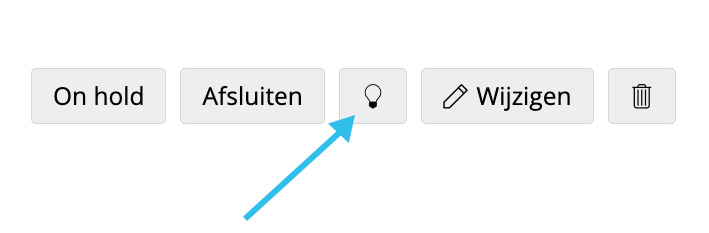
We are proud to say that we are constantly improving your software. The specific improvement we're talking about introduces an optional new layout for the job summary page, which you can find via the (jobs) menu. We've added a feature that lets you choose between two display options from one button (light bulb).
Do you like everything to be organized and uncluttered? Then the new tile view is ideal for you. If you prefer the familiar approach, then the classic list view may offer more comfort.
The functionalities are the same for both pages so that you can continue to work in your familiar way.
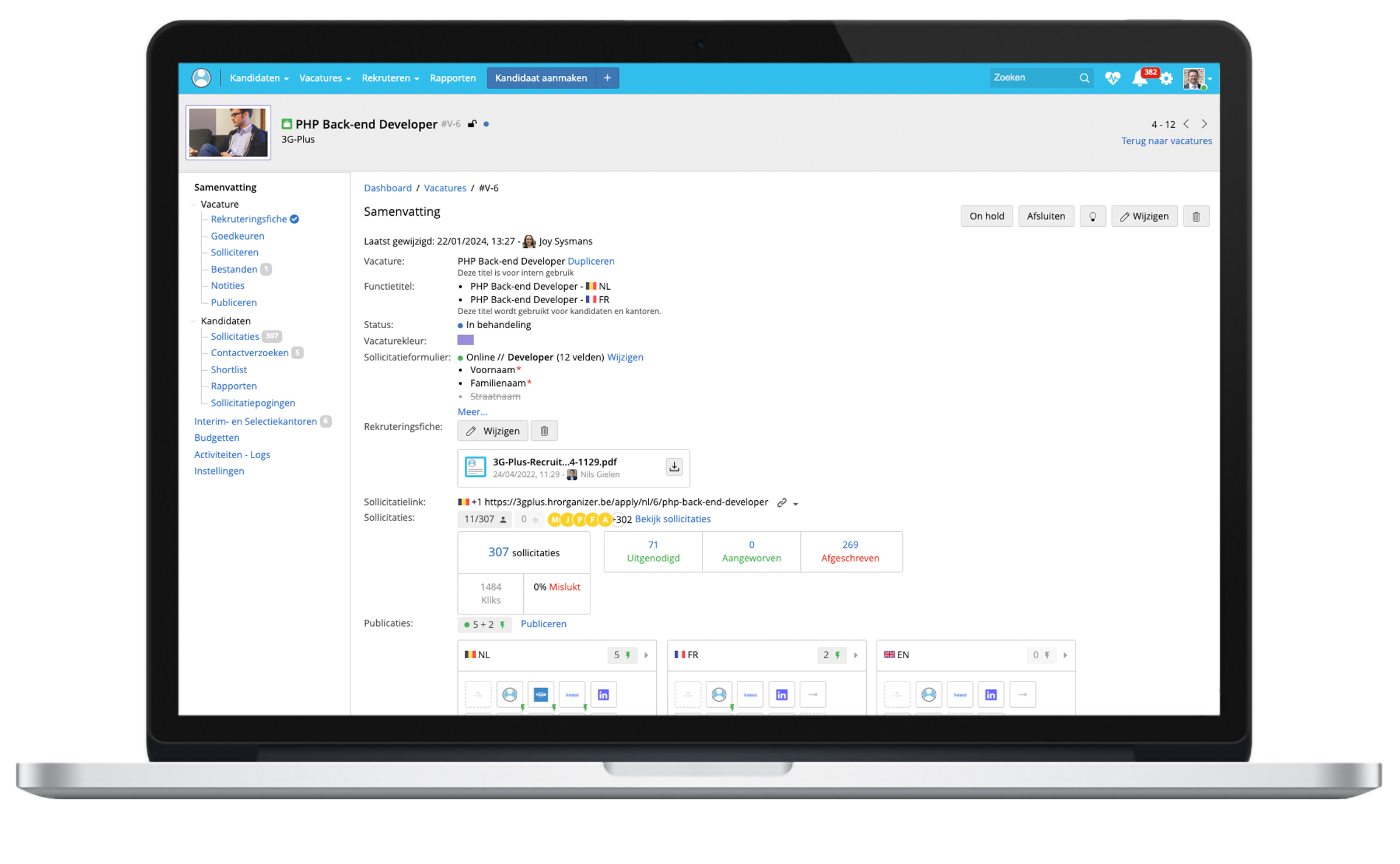
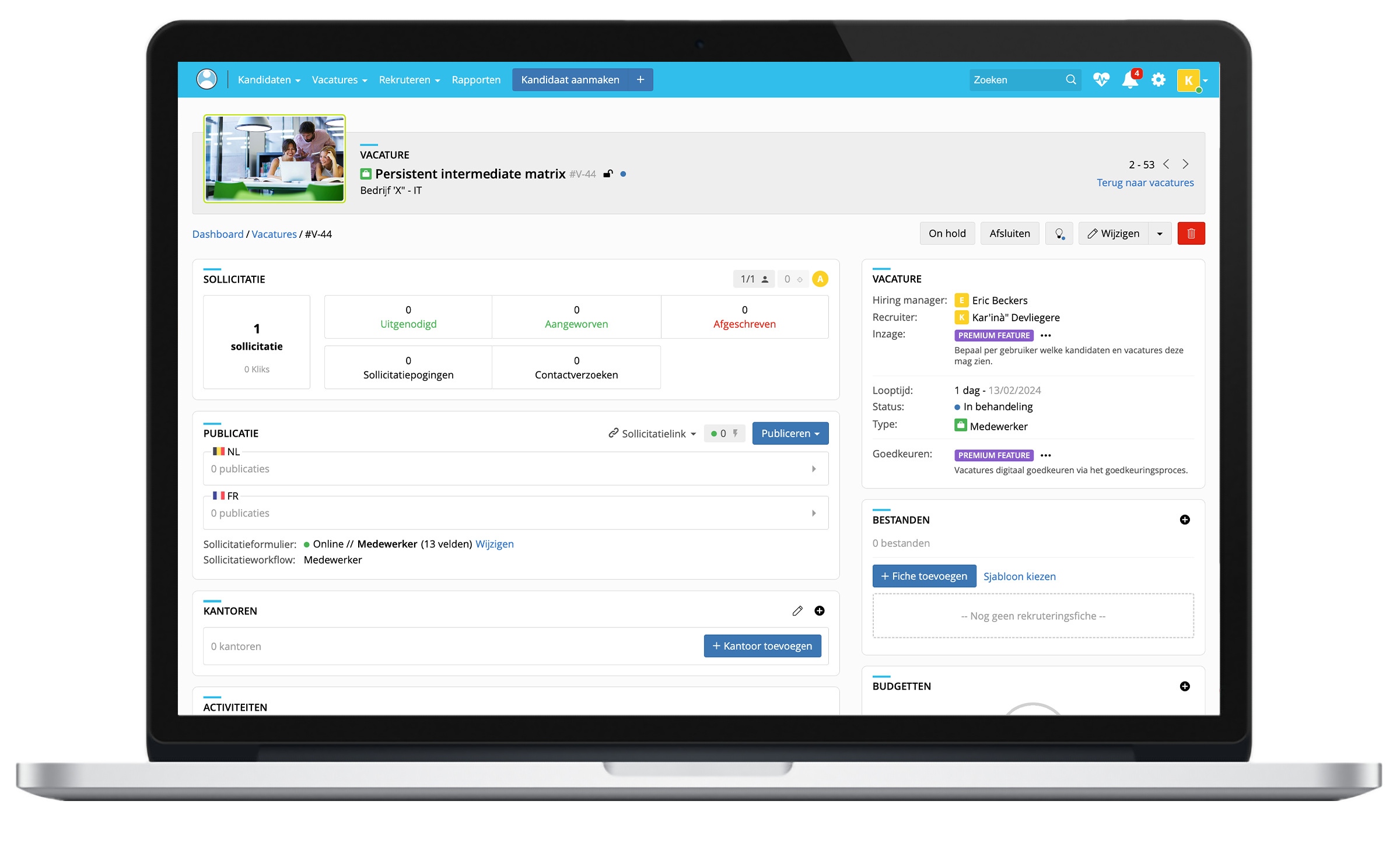
At the top right of the vacancy page you will see a new button (light bulb). This button allows you to customize the layout of the page by choosing between 2 options (list versus tile view).